Showing posts with label language. Show all posts

Thursday, September 18, 2014

Text based adventures

When teaching English as a second language it can be challenging to make your students read or even write something. But when reading becomes an adventure, then... learning gets better!
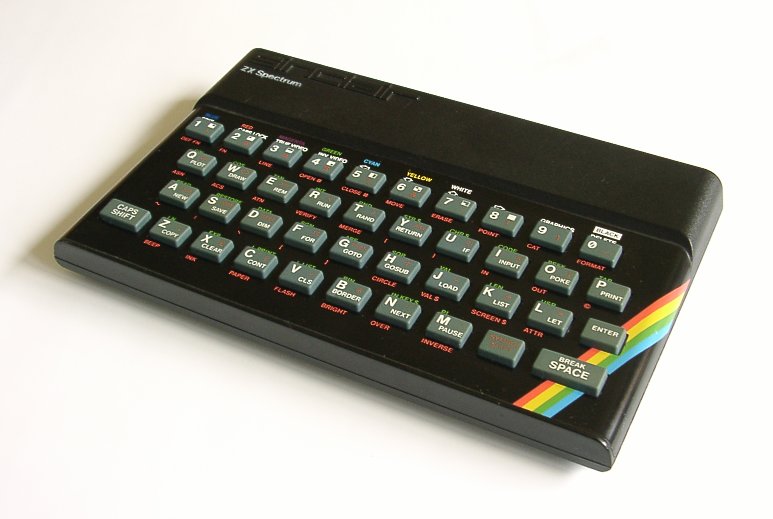


ZX Spectrum When it comes to reading you have many options. One of them, for common books reading, is explained in my other article the reading corner, which may be more appropriate for students inclined to books.

The other option is a game type called text adventure game. In it you have to go through many landscapes, houses, dark spots, castles… all described in pure text. And your actions are introduced likewise, typing text. Nowadays it’s not easy to find such jewels, as technology has given game developers complex tools to produce close to reality games. So, what’s the plan? Easy, we have to use an emulator, playable in a computer and in a mobile device.

Let me introduce you to ZXSpectrum, my first computer (yes, I’m 40). For this device tons of text adventures were developed. It happened the same for other contemporary computers, like Amstrad, Atari, Commodore… Some nostalgic people have generously maintained a website called World of Spectrum with an abundant  archive of games and a list of emulators for your computer.

But things get easier for you and your students. Forget about installing, downloading and executing anything when you can do it automatically with this marvelous android application: USP - ZX Spectrum Emulator. It not only emulates, it also has an integrated game downloading system.

Follow these simple steps:


  1. Start the application.
  2. Pop the menu (left button), and click on Open File.
  3. Choose the WOS tab and select a game.
  4. The RZX tab is for showing how to complete a game! It’ll give you a glimpse of what to do if you get stuck.
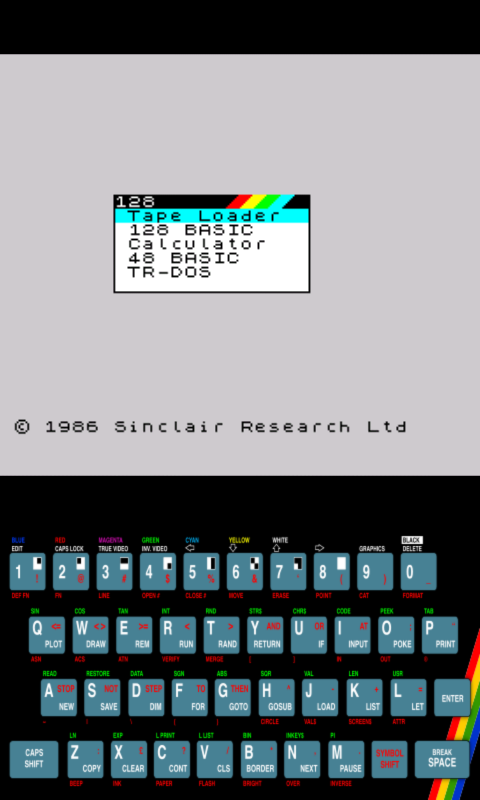
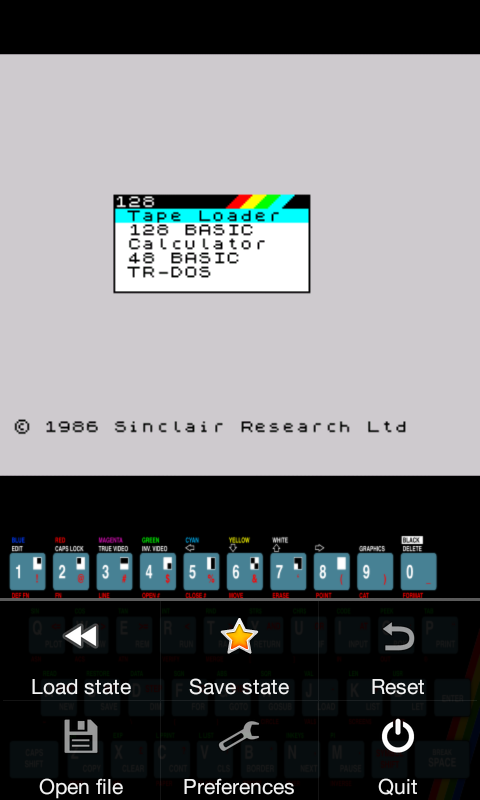
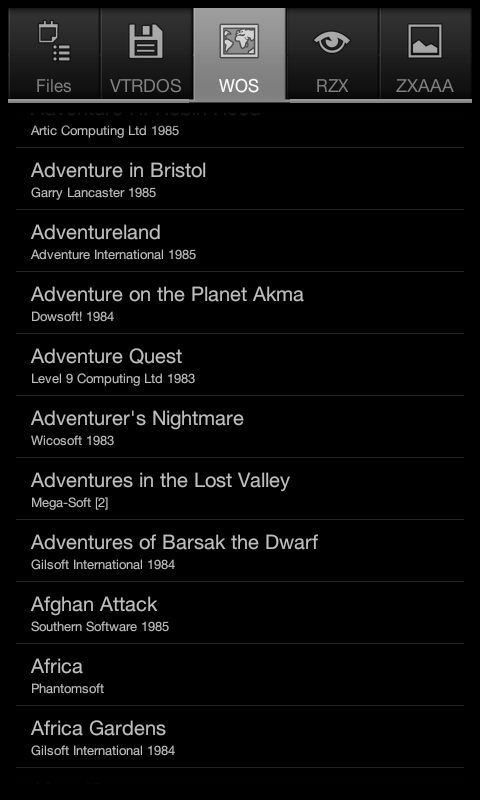
Screenshot_2014-09-17-23-45-17.png Screenshot_2014-09-17-23-45-27.png Screenshot_2014-09-17-23-45-48.png


The app will download the game and make it run. From that moment on use the keyboard to control the flow.
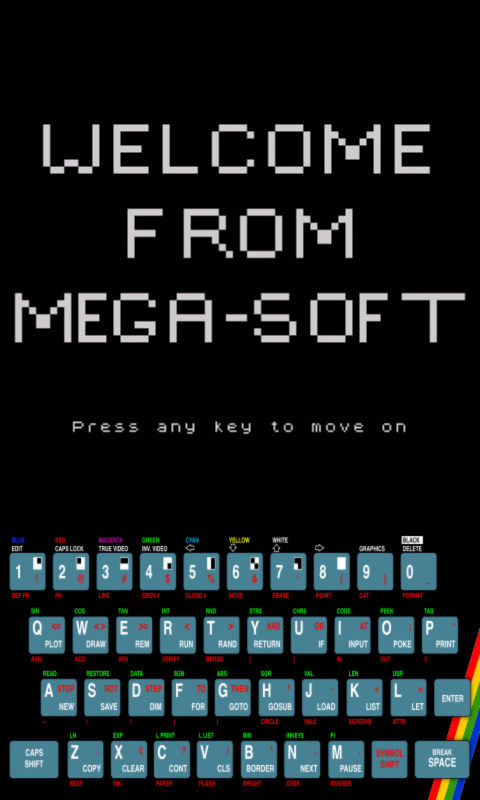
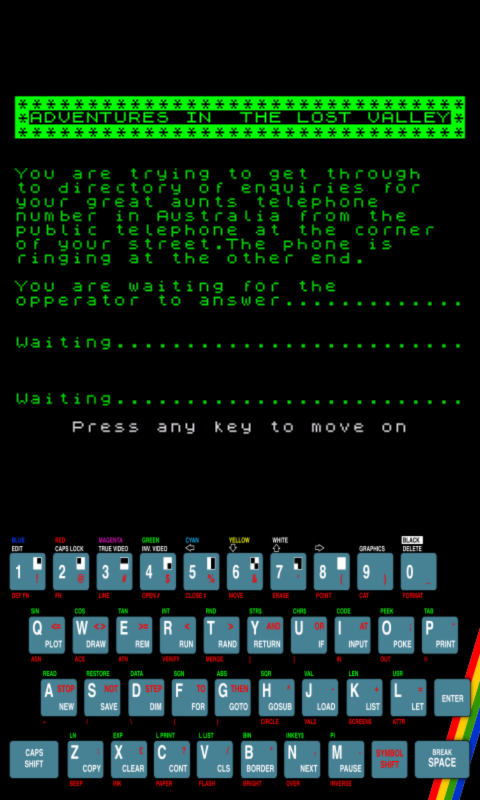
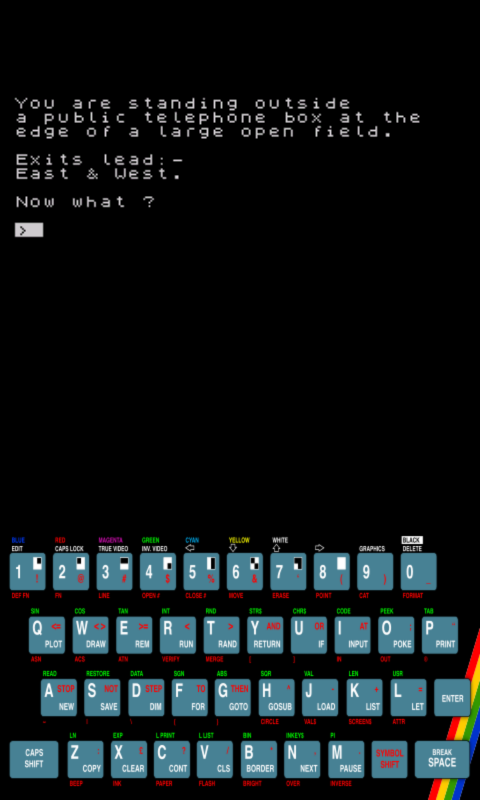
Screenshot_2014-09-17-23-46-03.png Screenshot_2014-09-17-23-46-18.png Screenshot_2014-09-17-23-46-23.png


Look at this video. I’ve used the RZX option so the game goes ahead on its own. Just relax and see how these games are played.


Now think a plan for your lessons:

  1. Make your students play for a week or so to see who goes farther.
  2. They’ll record words they didn’t previously know (e.g ColorDict).
  3. The same for collocations, expressions, etc.
  4. They’ll have to rank the game.
  5. After playing for some time they’ll write theirs (I’ll explain it in a future post).


As you can see it’s fantastic to go back in time to find resources for your classroom.

Tuesday, September 16, 2014

Teaching coding through games: gamecodization!

We might think that teaching coding is something boring and complicated. But when you base your exercises on games (you gamecodize :-D) then… your students get astonished!


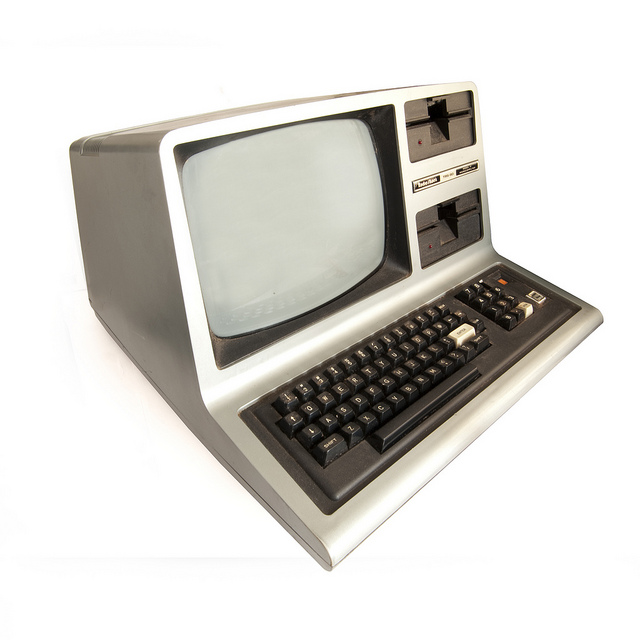
When I wrote computer code in Introducing a new subject can be threatening for some people. Things get worse for those students not in favour of STEM matters.Then, how to make them buy your fabulous lessons about coding? Act as an illusionist.


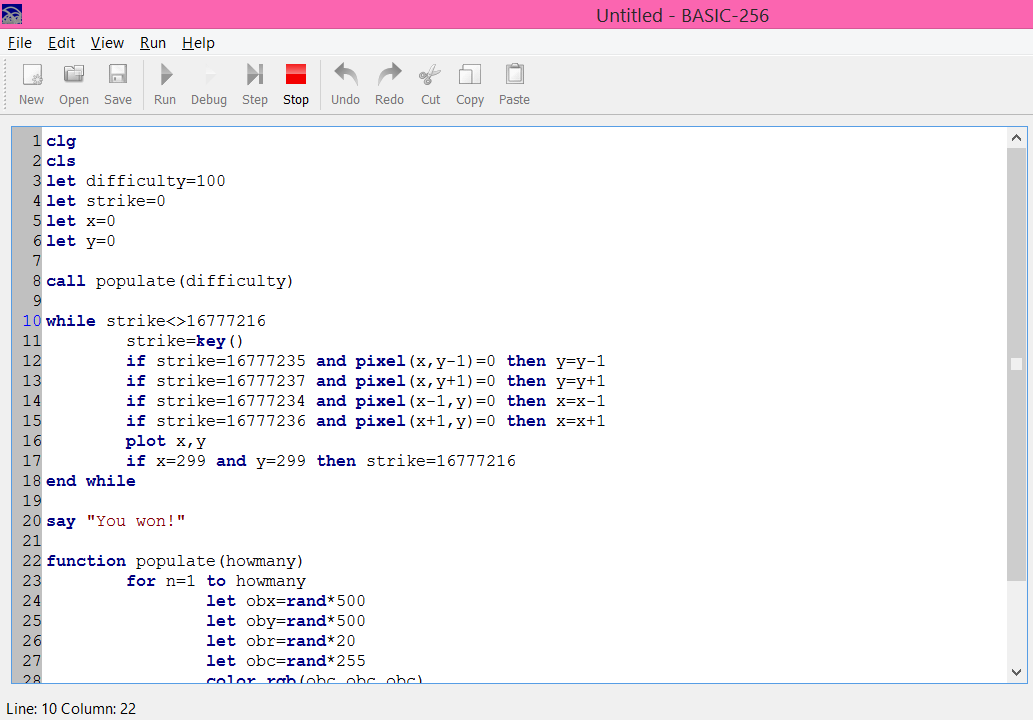
First of all switch your digital board and open your IDE (I’ve used Basic256). Start speaking about video games: how long they think a game needs to be coded, types of games, etc. Let them express themselves about the topic.


Then start to explain what Tron is: a film by Disney which gave way to several games. Let them go on speaking about different aspects of the game while you start typing code. For sure you’ll listen to the silence (students suddenly shut up hypnotized by what you are doing) as you go on striking your keyboard, but break it to explain what you are doing and how (different aspects of coding, as main loops, debugging, variables, strategies, etc).


Some tips:


  1. Use the help window: they should realize they don’t need to know everything by heart. If doubts pop up a helping window can also pop up.
  2. Make some mistakes on purpose: that’ll give them a good view of what debuging and trial-and-error are.
  3. Show some hesitation and use the expression “let’s try…”
  4. Use a scaffolding approach, constructing the main algorithm, and adding new elements around it as you continue.


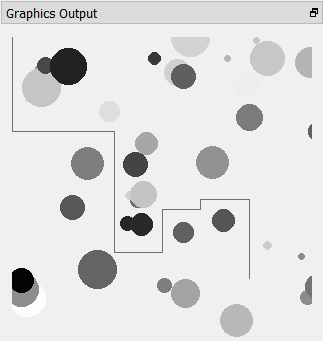
My basic version of Tron game needs about 10 minutes top to be coded. When you execute the final code and the students see the results they get way surprised by how easily you can make games.


The coding phases go like this:


  1. Create a main loop and listen to the keyboard. If ESC is pressed exit the loop.
  2. Insert the code for the motorbike (a point) to go down the screen when pressing the down arrow.
  3. Do the same for the rest of the keys.
  4. Move the point around, with no physical restraints.
  5. Make the algorithm detect the walls left by the point, and make them “real”.
  6. Let the player win when getting to the bottom right corner.
  7. Add random spheres as obstacles.


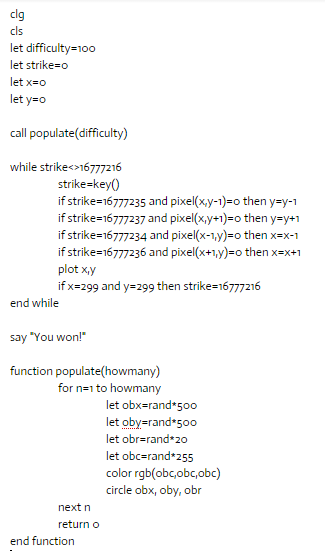
The lines of code look like this:


For more ideas about what games to code check the following list. MVC stands for model/view/controller, and AI for artificial intelligence. The grades have been given taking in count: that a student has to code them, and Basic’s features.


Difficulty
Text/graphic
MVC
Sprites
Data
AI
Animal, vegetable,
difficult
text
yes
no
matrix
basic
Arcanoid
difficult
graphic
yes
yes
matrix
no
Asteroids
medium
graphic
no
yes
array
no
Battleship
medium
both
no
no
matrix
no
Bejeweled
difficult
both
yes
yes
matrix
no
Biggest card
easy
both
no
no
array
no
Checkers
difficult
both
yes
no
matrix
yes
Connect four
medium
both
yes
no
matrix
yes
Conversation
easy
text
no
no
variable
no
Dodger
easy
graphic
no
yes
array
no
Escape the maze
easy
graphic
both
both
matrix
no
Guess the number
easy
text
no
no
variable
basic
Hang man
medium
both
no
no
array
no
Land on the moon
medium
graphic
no
yes
variable
no
Life's game
medium
graphic
yes
no
matrix
no
Marble, chips...
easy
text
no
no
variable
no
Master mind
medium
text
no
no
array
no
Math sequences
medium
text
no
no
array
no
Poker
medium
both
yes
no
matrix
medium
Pong
medium
graphic
no
yes
variable
no
Puzzle: match pairs
easy
both
yes
yes
matrix
no
Puzzle: sliding
medium
both
yes
yes
matrix
no
Simon says
easy
both
yes
no
array
no
Snake
difficult
graphic
yes
yes
matrix
no
Space invaders
difficult
graphic
no
yes
array
no
Text adventure
medium
text
yes
no
matrix
no
Three in a row
medium
both
yes
no
matrix
medium
Tic-tac-toe
easy
both
yes
no
matrix
basic
Tron
easy
graphic
no
no
variable
no